Not every project needs a full website. A profile, a waitlist or a single product often needs one page and one button. Carrd is built for exactly that. This review covers what is free, what each Pro plan adds and who Carrd suits.
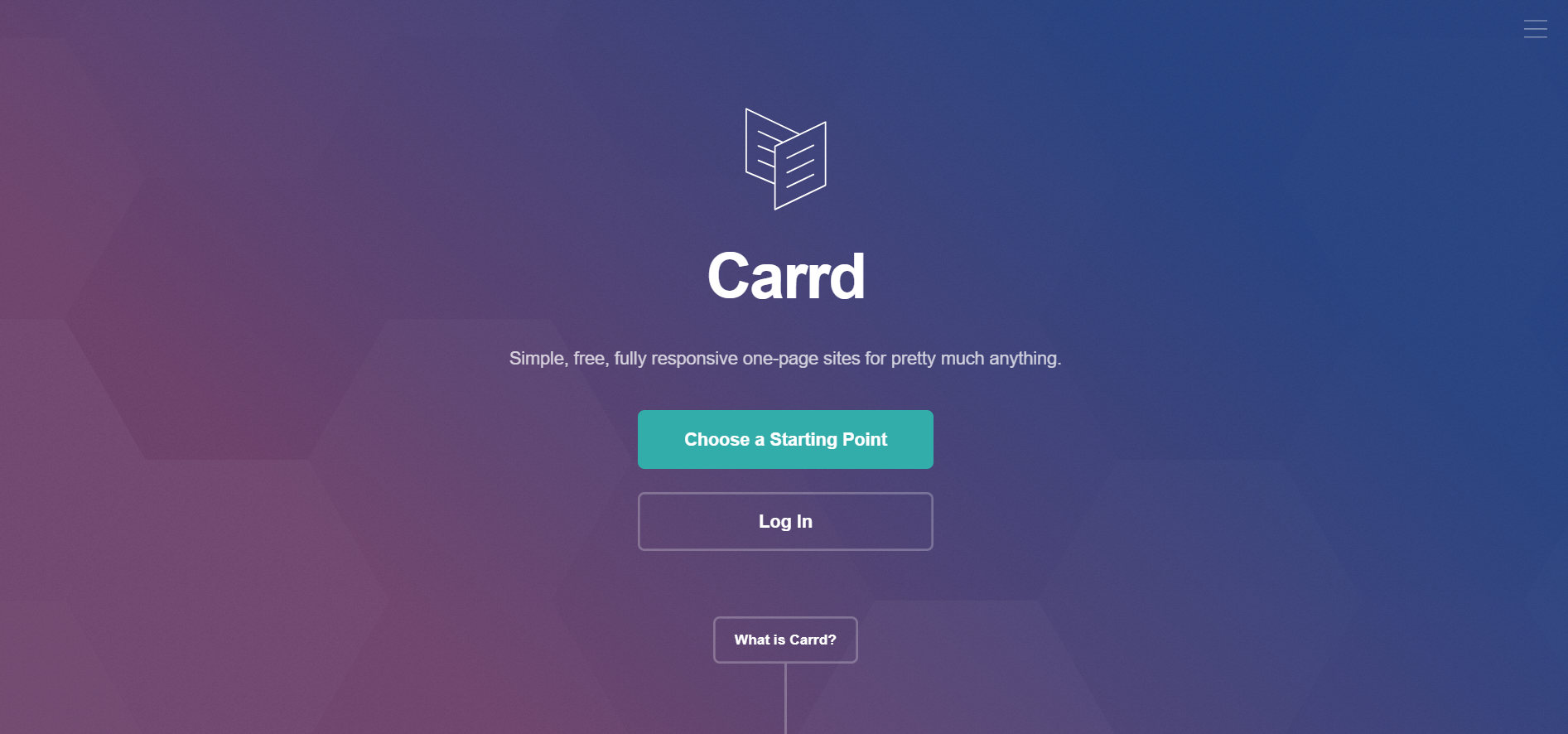
Carrd describes itself in one line: "Simple, free, fully responsive one-page sites for pretty much anything." You start from one of dozens of templates or a blank page, and the site looks right on phones, tablets and desktops without extra work.
How building a Carrd site works
Pick a starting pointChoose one of dozens of templates or a blank page. No signup is needed to begin.
Make it your ownEdit the text, pictures and layout of your one page.
PublishGo live for free, or go Pro to use your own domain.
People use it for personal profiles, landing pages that collect emails, portfolios and simple pages that sell a product.
Yes. Carrd's home page says you can "build up to three sites per account and use all of Carrd's core features" for free. Free sites show a "Made with Carrd" line in the footer.
The paid plans, called Pro, add the things a business usually needs: your own domain, forms, embeds and analytics.
Carrd charges by the year, not by the month. These were the main plans on carrd.com on 14 October 2026.
Plan
Price
Sites
Free
$0
3
Pro Lite
$9 a year
3
Pro Standard
$19 a year
10
Pro Plus
$49 a year
25
Pro Lite removes the Carrd branding and adds premium templates and larger images and videos. Pro Standard adds custom domains, forms, widgets, embeds and analytics. Pro Plus adds advanced forms, password protection, redirects and site downloads.
Carrd plans, per year (carrd.com, 14 October 2026)
Free$03 sites with Carrd's core features.
Pro Lite$9a year3 sites with no Carrd branding.
Pro Standard$19a year10 sites, custom domains, forms and embeds.
Pro Plus$49a year25 sites, password protection and redirects.
Each tier is also sold in larger sizes. Pro Lite for 10 sites is $14 a year, and Pro Standard for 25 sites is $39 a year.
Two details matter when you choose. Custom domains are not part of Pro Lite, so the $19 Pro Standard plan is the real starting point for a business page. And Carrd lets you try Pro free for 7 days with no payment or credit card.
On Pro Standard and above you can embed widgets from services such as Stripe, PayPal, Gumroad and Typeform, add signup forms that feed Mailchimp, Kit and other email tools, and track visits with Google Analytics, Plausible or Matomo.
Yes, if one page is all you need. Start on the free plan, and move to Pro Standard at $19 a year when you want your own domain and a form. That is a small bill for a page that can take signups and payments.
Sources, both read on 14 October 2026: Carrd's home page and its Pro page.
So, you've built your Carrd site. You're using the Pro Standard plan to embed Stripe payment buttons or a signup form. You are finally driving traffic and seeing sales.
This is the exciting part. But it's also the dangerous part.
Because Carrd makes it so easy to spin up a checkout page, it is also a popular target for bad actors testing stolen credit cards. If you are using Stripe directly on your Carrd site, you are liable for chargebacks and fraud. A single wave of "card testing" attacks can get your Stripe account banned, instantly killing the business you just launched.
Continue reading about SaaS optimization and revenue growth
Tools & Reviews
Zirodelta Review: The Future of Conditional Finance for DeFi Investors
Discover how Zirodelta transforms DeFi investing with conditional finance and funding rate arbitrage. A comprehensive review of features, tokenomics, and whether this Solana-based protocol deserves a spot in your portfolio.
Waitlist Review: The Viral Launch Engine for Modern Startups
Discover how Waitlist helps startups build viral pre-launch campaigns with gamified referral loops. A comprehensive review of features, pricing, and whether it's worth the investment for modern startups.