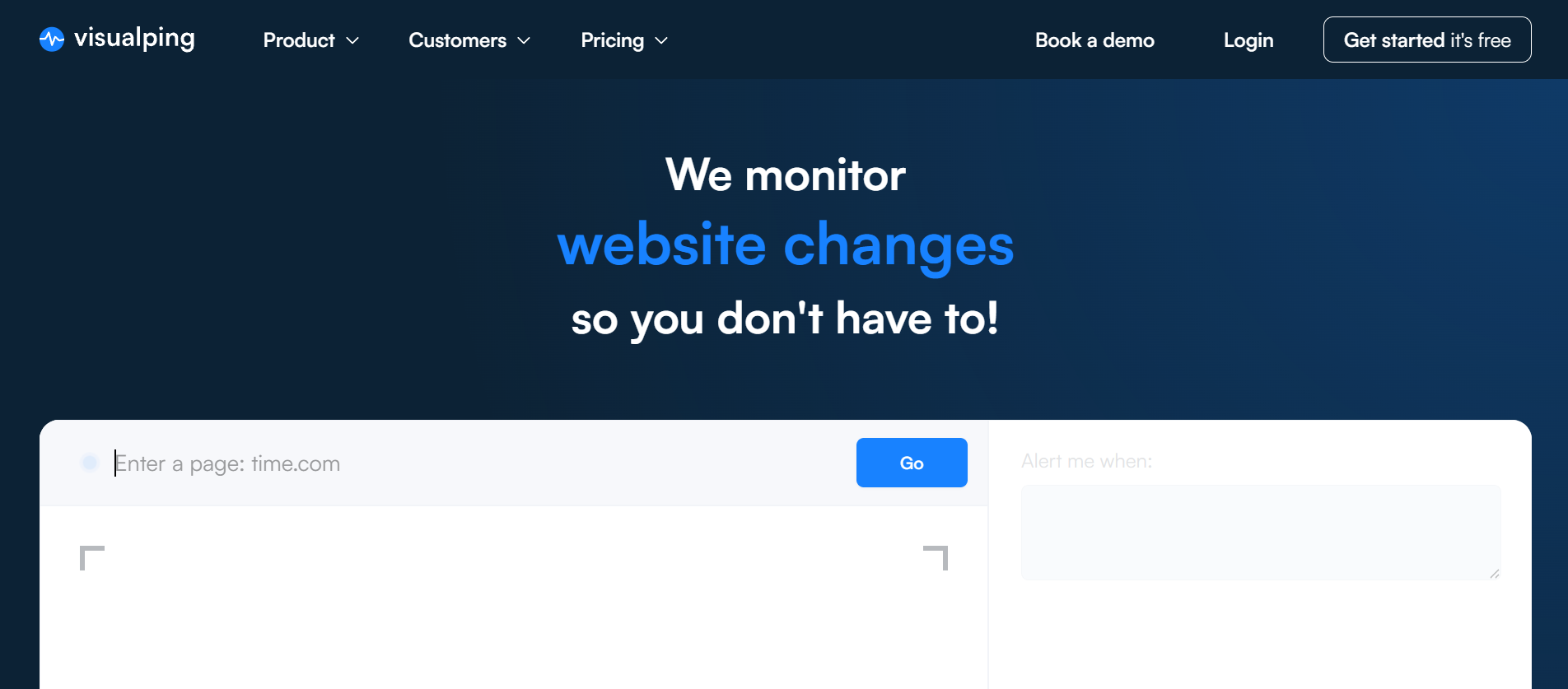
A competitor changes its pricing page, a regulator posts a new rule, or a sold-out product comes back in stock, and nobody tells you. Visualping watches those pages for you. This review covers what Visualping does, what each plan cost on 16 October 2026 and who it suits.
Visualping says it is used by over 2 million people and by teams at 85% of the Fortune 500. Its pages list:
Alerts with a highlighted screenshot whenever a change is detected, by email or webhook.
AI change summaries and an important-or-not flag on every change, so small edits do not bury the real ones.
Before-and-after comparisons, with added and removed text highlighted.
Actions that log in, click or type before each check, recorded with a Chrome extension.
A REST API and an MCP server on every plan, including the free one.
It suggests uses such as watching competitors' homepages and pricing, tracking regulatory updates, catching unapproved changes to your own site and monitoring product restocks. Visualping is based in Vancouver, Canada.
How Visualping works
Pick a pagePaste the address and choose the whole page or one area of it.
It checks on a scheduleFrom every 60 minutes on the free plan to every 2 minutes on larger plans.
Get the changeAn alert with a highlighted screenshot and an AI summary of what changed.
These were the prices on visualping.io on 16 October 2026. A check is one look at one page.
Plan
Paid monthly
Checks a month
Pages
Free
$0
150
5
Personal 1K
$14
1,000
10
Personal 5K
$35
5,000
20
Personal 10K
$70
10,000
40
Business 20K
$140
20,000
200
Business 50K
$350
50,000
500
Billed yearly, the same plans cost $120, $300, $600, $1,200 and $3,000 a year. Business 30K and 40K sit between at $210 and $280 a month. Personal plans have 1 user, Business plans 5 to 11 users, and Business starts with a 14-day free trial with no credit card. A custom Solutions plan adds premium AI with your own prompts.
The checks go faster than you might expect. One page checked every hour uses about 720 checks in a 30-day month, more than four times the free plan's 150. On the free plan, 150 checks spread over 5 pages is about one check per page a day.
Visualping plans, paid monthly (visualping.io, 16 October 2026)
For a founder who wants to know the day a rival changes its pricing, yes. Start free with your top 5 competitor pages. If daily checks are too slow, $14 a month ($10 billed yearly) buys 1,000 checks, enough for one page every hour.
Visualping tells you when a page you care about changes, a rival's pricing page included. If what you sell is software with a free trial, 1Capture works on the step after the signup. It is a Stripe Partner Solution and runs on the Stripe account you already have.
Five-minute setup. Connect Stripe in 2 minutes with no developer: one secure connection, nothing to migrate and no code to deploy.
First payments collected automatically.The first payment is collected in the last 2 hours of the trial, and a payment that fails is retried up to 10 times, with an alert to you.
A trial page you can test. 1Capture tests versions of your trial page on an even split and shows you which one wins.
Every conversion attributed. Every signup is tagged with its UTM source and click IDs, so you see which campaigns bring paying customers.
No transaction fees. Every charge runs on your own Stripe account, and 1Capture takes no cut.
1Capture is free forever under $10K MRR, with no credit card to start. See 1Capture's pricing, or read more about trial conversion on the 1Capture blog.
Related Articles
Continue reading about SaaS optimization and revenue growth
Tool Reviews
ZenMaid Review: The "Auto-Pilot" Operating System for Cleaning Businesses
ZenMaid is an all-in-one operations management software tailored exclusively for residential cleaning businesses. Review of features, pricing, and how it automates scheduling and payments.
UserLoop Review: The AI-Powered Feedback Loop for High-Growth DTC Brands
UserLoop is an intelligent survey and customer insights platform built primarily for Shopify-based e-commerce businesses. Review of features, pricing, and alternatives.
Userlist Review: The Advanced Email Automation Blueprint for SaaS Marketers
Userlist is an all-in-one email marketing and automation platform designed specifically for SaaS companies. Review of features, pricing, and alternatives like Intercom and Customer.io.