Quick Answer: Tuple is a remote pair programming application available for macOS and Windows (with a Linux version currently in the works). Unlike general-purpose tools like Zoom or Google Meet, Tuple is built from the ground up for low latency, high-resolution (up to 5K) screen sharing, and seamless remote control. It allows two or more developers to work on the same machine as if they were sitting in the same room. With features like multi-cursor support, low CPU overhead, and "App Veil" for privacy, it acts as a high-fidelity bridge for distributed engineering teams. For shops like Shopify and Figma, Tuple has become the default standard for deep technical collaboration. Tuple is not a "cheap" tool, but it is a "high ROI" tool. If your engineering team spends more than a few hours a week pairing, the time saved by eliminating "lag frustration" pays for the subscription in days. It is the gold standard for remote engineering collaboration in 2026.
The transition to remote work has been a mixed bag for software engineering teams. While focus time has increased, the high-bandwidth collaboration of "sitting next to each other" has largely been replaced by blurry Zoom calls and laggy Slack screen shares. Research from Gartner suggests that hybrid and remote models are the permanent future, but for developers, "generic" tools are the biggest bottleneck to productivity.
Enter Tuple. Built by developers who were frustrated with Electron-based screen sharing, Tuple is a native, high-performance application designed specifically for remote pair programming. In this Tuple review, we'll explore whether this premium tool is worth the investment for your engineering team.
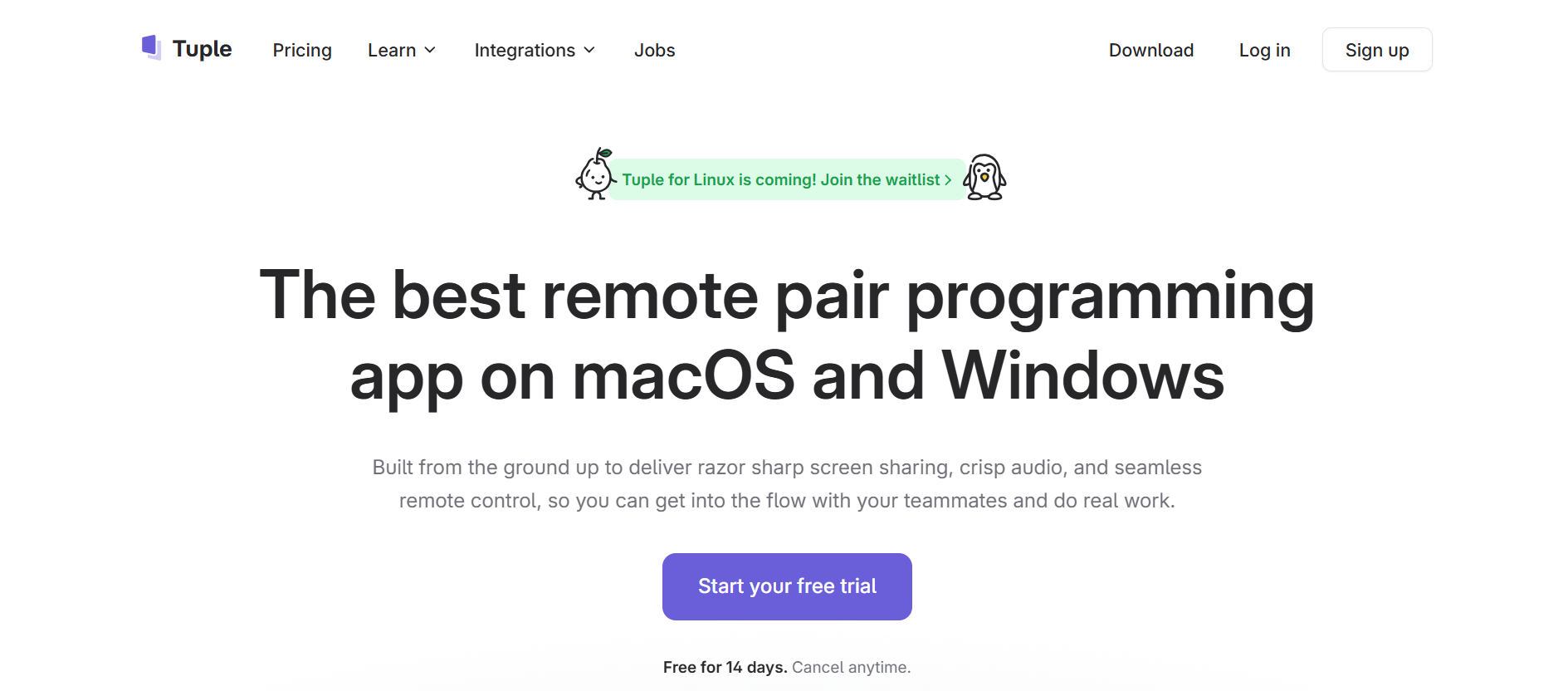
Tuple is a remote pair programming application available for macOS and Windows (with a Linux version currently in the works). Unlike general-purpose tools like Zoom or Google Meet, Tuple is built from the ground up for low latency, high-resolution (up to 5K) screen sharing, and seamless remote control.
It allows two or more developers to work on the same machine as if they were sitting in the same room. With features like multi-cursor support, low CPU overhead, and "App Veil" for privacy, it acts as a high-fidelity bridge for distributed engineering teams. For shops like Shopify and Figma, Tuple has become the default standard for deep technical collaboration.

The technical DNA of Tuple is rooted in its co-founder, Ben Orenstein.
Ben, a long-time developer and former podcaster at Thoughtbot, launched Tuple alongside co-founders Spencer Rogers and Joel Helbling. Their mission was clear: developers deserve "sharp tools." Because Tuple is built with a natively compiled C++ engine rather than Electron, it offers a performance profile that generic tools simply cannot match. Ben's commitment to "building for programmers" has earned Tuple a level of "EEAT" (Experience, Expertise, Authoritativeness, and Trustworthiness) that is rare in the crowded collaboration SaaS market.
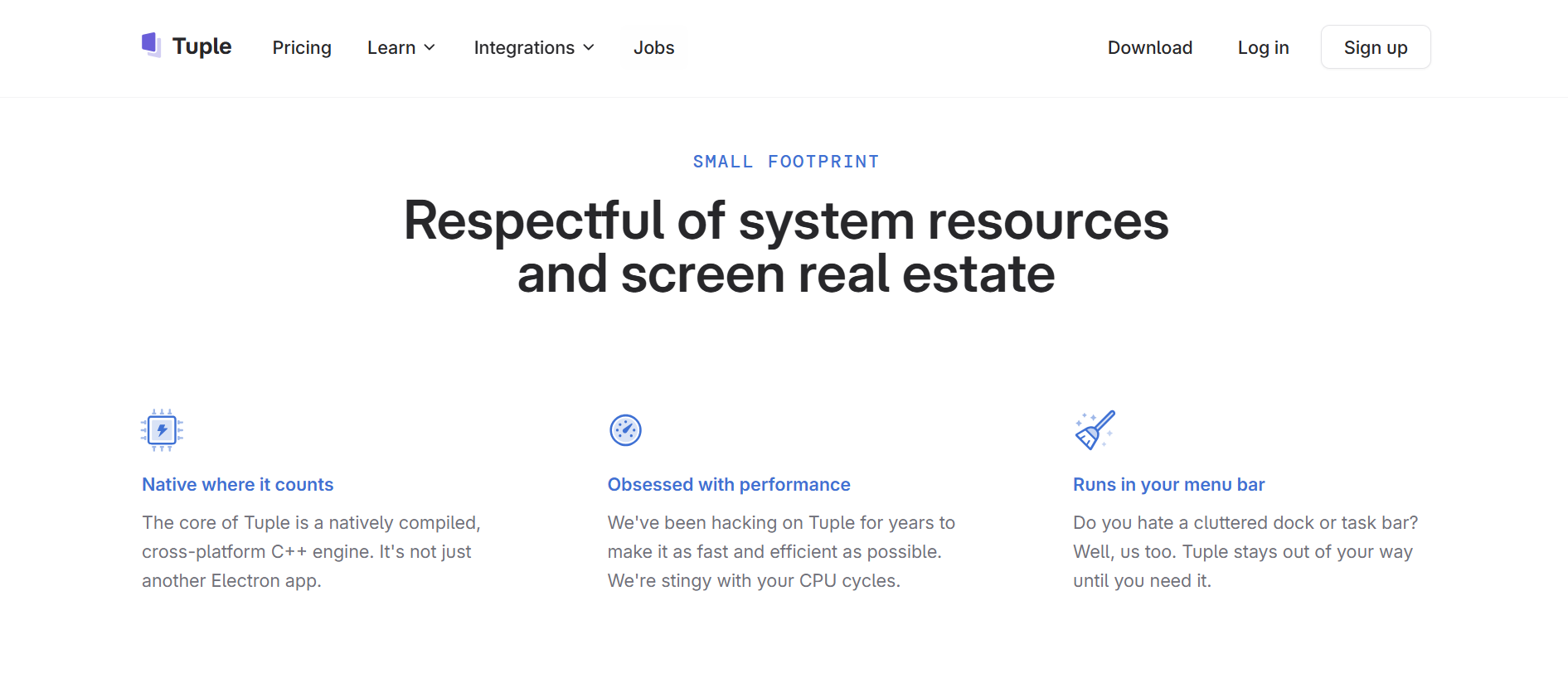
- Ridiculously Low Latency: By using a native C++ engine, Tuple provides snappy remote control and crisp 5K video, ensuring you can read your pair's tiny 10pt programming fonts without eye strain.
- App Veil & Privacy: Tuple's "App Veil" allows the host to hide sensitive applications (like Slack or Email) from the guest, enabling fearless screen sharing even in a private environment.
- Programmable Triggers: Developers can use the Triggers API to run arbitrary code in response to Tuple events, such as automatically pausing Spotify when a call starts or adding git co-authors when a pair joins.
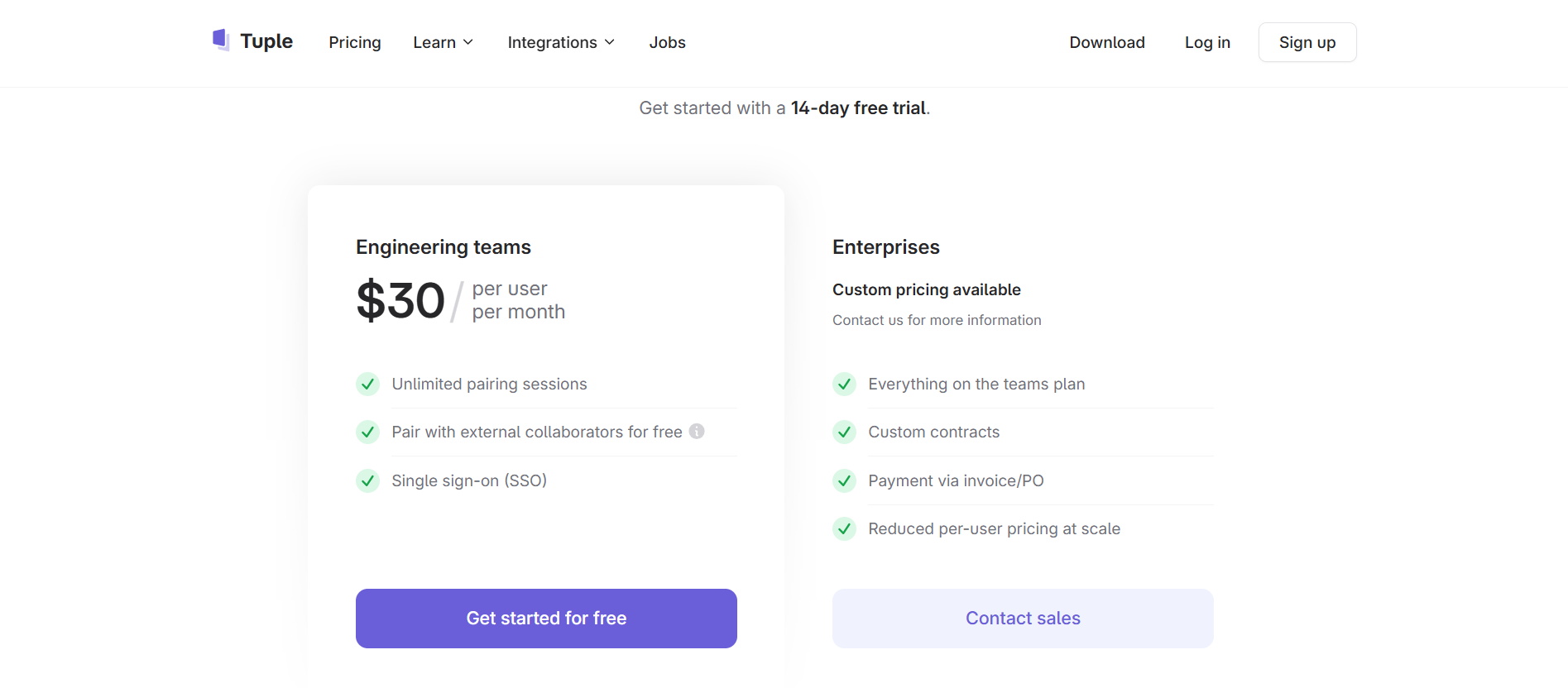
Tuple offers a 14-day free trial, followed by a straightforward pricing model:
- Individual: Designed for solo developers or mentors working with external clients.
- Teams: Starts at approximately $30 per user/month. This includes the full feature set, team management tools, and priority support.
- Enterprise: For large organizations requiring SSO, advanced security features, and dedicated account management.
- VS Code Live Share: A free, powerful alternative that allows collaborative editing within the IDE, but lacks the full-system remote control and high-fidelity video of Tuple.
- Screen.So: A strong competitor in the "collaborative screen sharing" space, though often viewed as more general-purpose than Tuple's engineer-centric approach.
- Zoom/Slack Huddles: The "default" options for most teams. While convenient, they often suffer from high CPU usage and significant lag during remote control sessions.
Tuple is not a "cheap" tool, but it is a "high ROI" tool. If your engineering team spends more than a few hours a week pairing, the time saved by eliminating "lag frustration" pays for the subscription in days. It is the gold standard for remote engineering collaboration in 2026.
Once you've used Tuple to build a world-class SaaS and your team is shipping high-quality code faster than ever, you face a new, invisible enemy: Revenue Leakage.
Attracting customers with your software is an engineering challenge; keeping the money they pay you is a financial one. As your SaaS scales, you will inevitably deal with "serial disputers," malicious users who sign up for your product and then file fraudulent chargebacks to get their money back. According to LexisNexis, for every $1 lost to fraud, it costs a business $3.75 in associated fees and lost time.
If you are using Tuple to scale your development output, you need 1Capture to protect the bottom line that output creates.
1Capture is a Stripe-partnered revenue recovery and fraud prevention tool designed to act as your brand's financial shield. While Tuple helps you win the "sprint," 1Capture ensures you win the "marathon" of profitability.

- 5-Minute Setup: Plugs directly into your existing Stripe account with zero coding required, no need to "pair" with a developer to get it running.
- Blocks "Serial Disputers": Our global database identifies users with a history of fraudulent chargebacks across the SaaS ecosystem and stops them before they can sign up for your trial.
- Smart Charge Technology: Our proprietary Smart Charge system uses pre-authorization logic to ensure funds are legitimate, drastically reducing failed payments and "accidental" churn.
- 3.7x Revenue Growth: By preventing revenue leakage and automating the recovery of failed subscriptions, our users see an average growth of 3.7x in retained earnings.
Don't let payment fraud kill the momentum your engineers have built. Use Tuple to build your dream, and visit 1Capture Pricing to protect it.
Learn more about revenue recovery on our blog.
Integrate 1Capture with your Stripe account in 5 minutes →