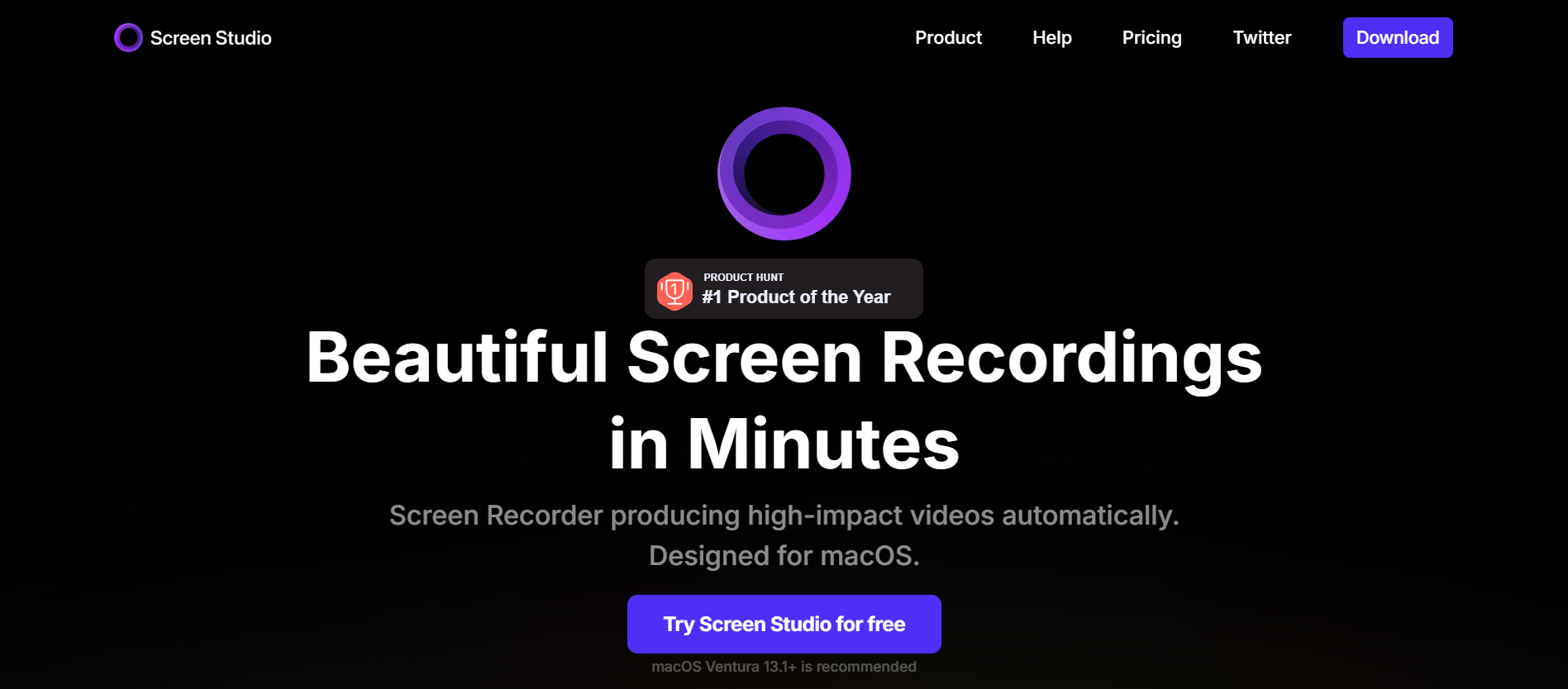
Quick Answer: Screen Studio is a professional-grade screen recording application that automates the most tedious parts of video editing. Unlike standard recorders that simply capture your screen, Screen Studio is built to make your actions look "beautiful" by default. The software automatically detects where your cursor is moving and applies smooth, cinematic zooms to those areas. It also transforms "shaky" mouse movements into elegant glides and allows you to adjust the background, cursor size, and device frames long after the recording is finished. With features like automatic zoom & cursor smoothing, post-recording adjustments, and vertical mode export, Screen Studio effectively removes the "editing tax" from video creation, allowing you to produce 4K, 60fps tutorials that look like they were made by a professional agency in a fraction of the time. For anyone who values their time and brand aesthetic, Screen Studio is a "game-changer."
In the current digital landscape, video has become the non-negotiable standard for communication. According to HubSpot, 91% of businesses now use video as a marketing tool, with product demos and tutorials being the highest-converting formats. However, the "bottleneck" has always been the editing process, spending hours manually keyframing zooms and smoothing out jerky mouse movements.
Enter Screen Studio.
Explicitly designed for macOS, Screen Studio automatically turns raw screen captures into professional, high-impact videos. In this review, we'll explore whether this "opinionated" recorder is truly the secret weapon for developers, educators, and marketers looking to elevate their content.
Screen Studio is a professional-grade screen recording application that automates the most tedious parts of video editing. Unlike standard recorders that simply capture your screen, Screen Studio is built to make your actions look "beautiful" by default.
The software automatically detects where your cursor is moving and applies smooth, cinematic zooms to those areas. It also transforms "shaky" mouse movements into elegant glides and allows you to adjust the background, cursor size, and device frames long after the recording is finished.
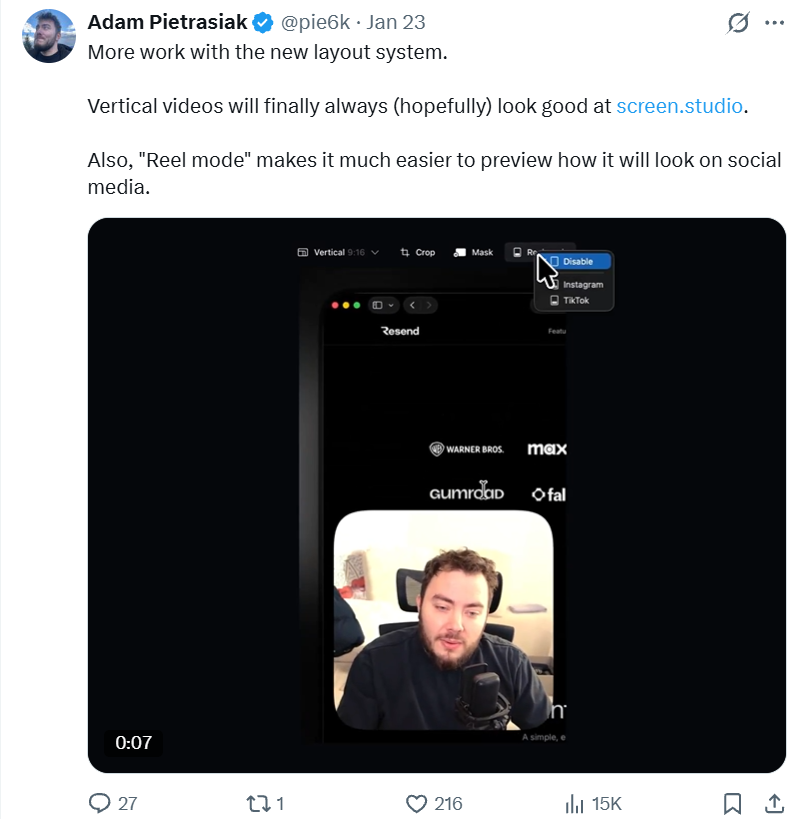
Screen Studio was built and designed by Adam Pietrasiak (@pie6k), a prominent indie developer based in Poland. Pietrasiak's philosophy centers on creating "fast, reliable, and easy to use" tools that solve specific pain points for the modern web ecosystem.
His focus on high-fidelity design has earned the app a massive following among the "build in public" community and top-tier tech teams at companies like Google, Vercel, and Stripe. The app's success is a testament to the EEAT (Experience, Expertise, Authoritativeness, and Trustworthiness) that Pietrasiak has built within the macOS developer community.
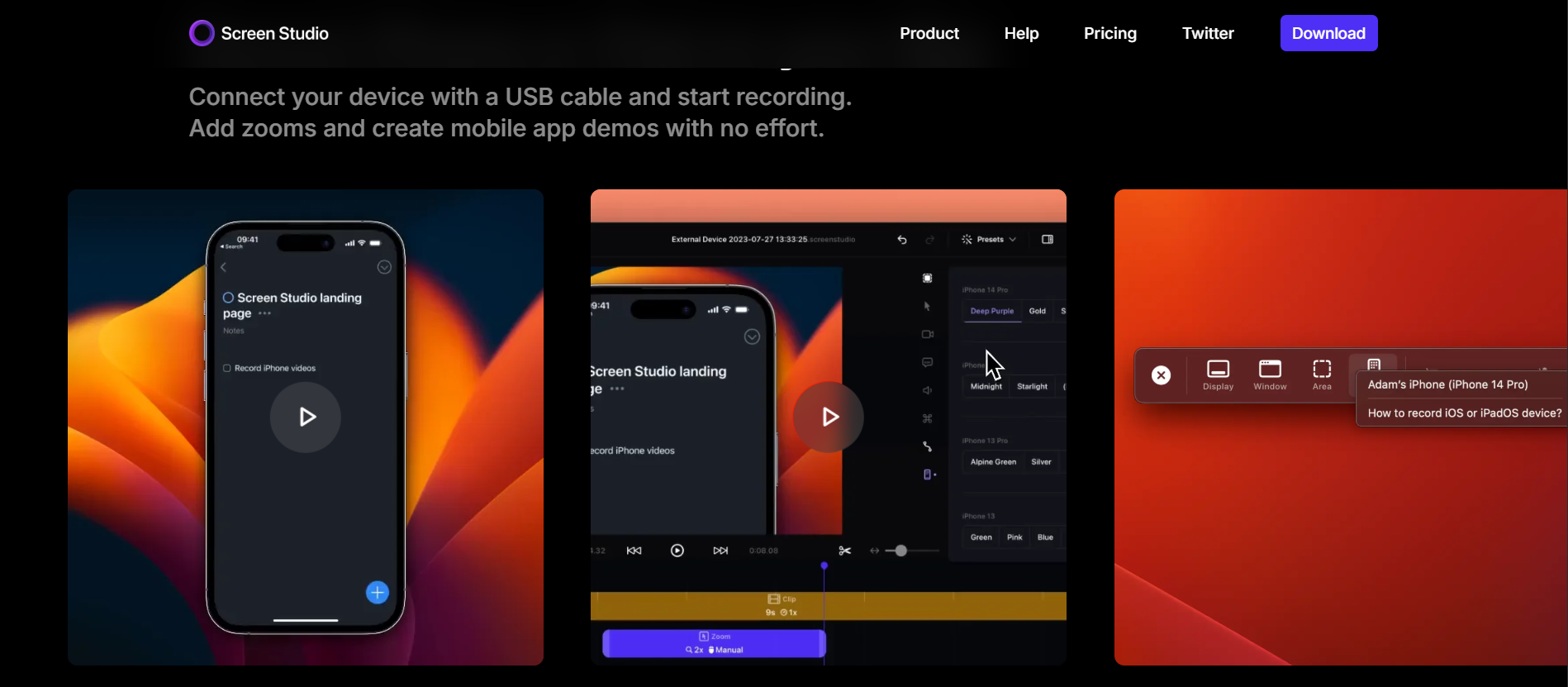
- Automatic Zoom & Cursor Smoothing: The app identifies key actions (like clicks or typing) and zooms in automatically, ensuring viewers never miss the point of the demo.
- Post-Recording Adjustments: You can change the cursor size, background spacing, and device frames (including iPhone and iPad models) even after the video is recorded.
- Vertical Mode Export: With one click, Screen Studio re-adjusts all zooms and animations for vertical social media formats like TikTok, Reels, and YouTube Shorts.
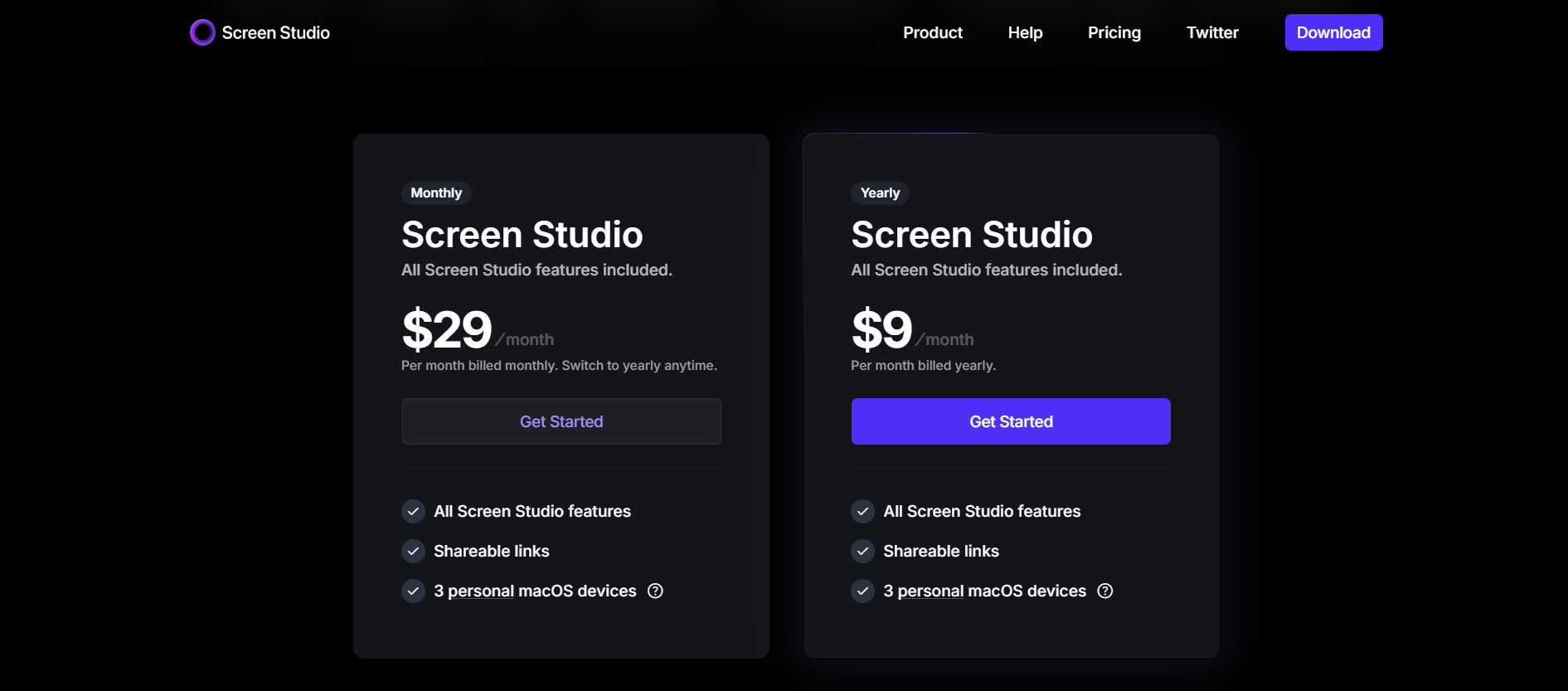
Screen Studio offers flexible billing options for its powerful screen recording tool:
- Monthly Plan ($29/mo): Flexible option with no long-term commitment. Includes all Screen Studio features, shareable links, and a license for 3 personal macOS devices.
- Yearly Plan ($9/mo): Best value for long-term users. Includes all Screen Studio features, shareable links, and a license for 3 personal macOS devices (billed annually).
- Loom: Best for quick, "disposable" team updates. While Loom is faster for sharing, it lacks the aesthetic "polish" and advanced zoom controls of Screen Studio.
- Camtasia: A legacy powerhouse. Camtasia offers more granular editing control but takes significantly longer to master and requires manual work to achieve the "smooth" cursor look that Screen Studio does automatically.
- CleanShot X: Excellent for quick captures and annotations. CleanShot X is a utility king, but Screen Studio remains the specialist for high-end product demos.
Screen Studio is a "game-changer" for anyone who values their time and brand aesthetic. It effectively removes the "editing tax" from video creation, allowing you to produce 4K, 60fps tutorials that look like they were made by a professional agency in a fraction of the time.
Once you start using Screen Studio to produce world-class product demos, your conversion rates are likely to climb. As your sales scale and more customers join your platform, you enter the next phase of business growth: Revenue Retention.
According to Wikipedia, digital fraud and "friendly fraud" cost businesses billions of dollars annually. Scaling your revenue is only half the battle; the other half is ensuring that your hard-earned money stays in your pocket.
While Screen Studio handles the "sprint" of high-impact content creation, 1Capture ensures you win the "marathon" of profitability. 1Capture is a Stripe-partnered revenue recovery and fraud prevention tool that acts as your brand's financial shield.
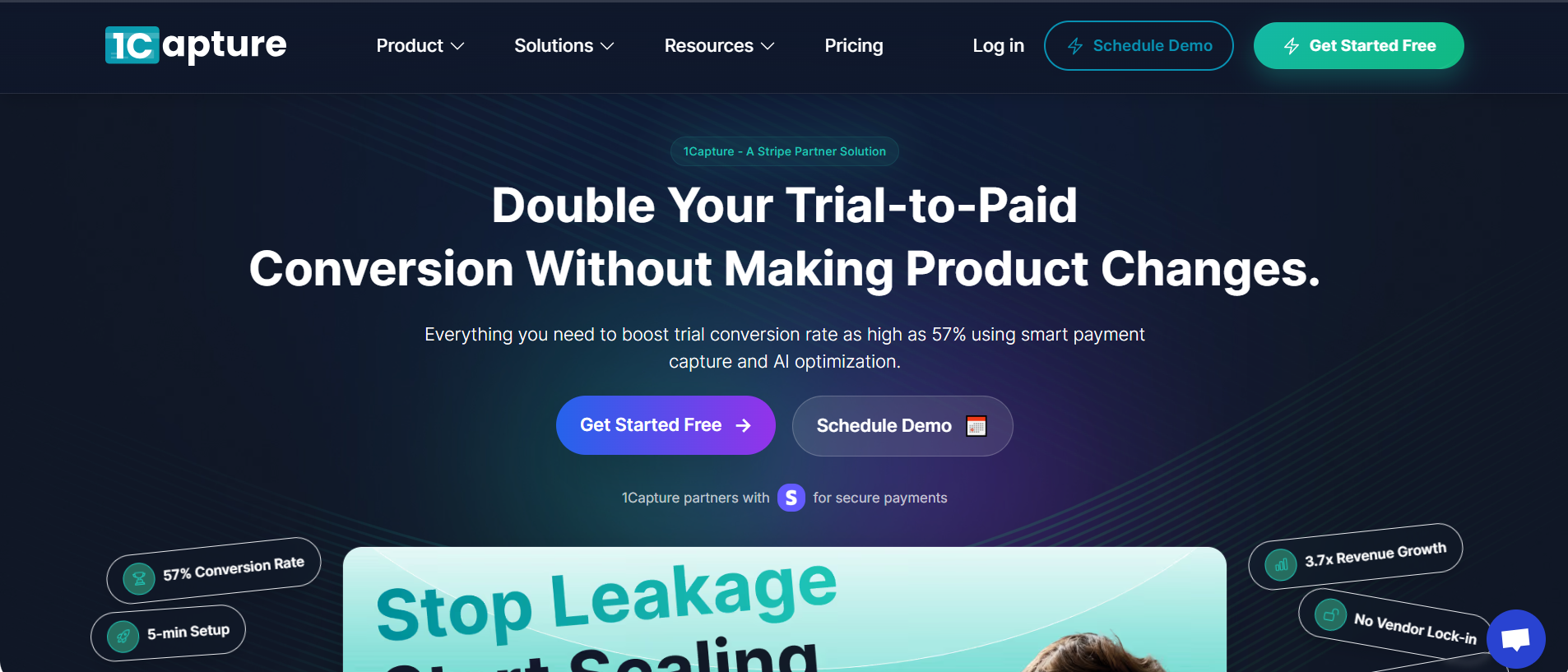
Why 1Capture is a non-negotiable for your growth stack:
- 5-Minute Setup: Plugs directly into your existing Stripe account with zero coding required, the perfect "set it and forget it" companion to your marketing tools.
- Blocks "Serial Disputers": Our global database identifies users with a history of fraudulent chargebacks and prevents them from accessing your service before they can hurt your merchant standing.
- Smart Charge Technology: Our proprietary Smart Charge system uses pre-authorization logic to verify the legitimacy of funds, drastically reducing failed payments and "accidental" churn.
- 3.7x Revenue Growth: By preventing revenue leakage and automating the recovery of failed payments, our users see an average growth of 3.7x in retained earnings.
Don't let payment fraud undermine the momentum your new demo videos have built. Use Screen Studio to stay visible, and visit 1Capture Pricing to ensure every dollar you earn stays in your pocket.
Learn more about revenue recovery on our blog.