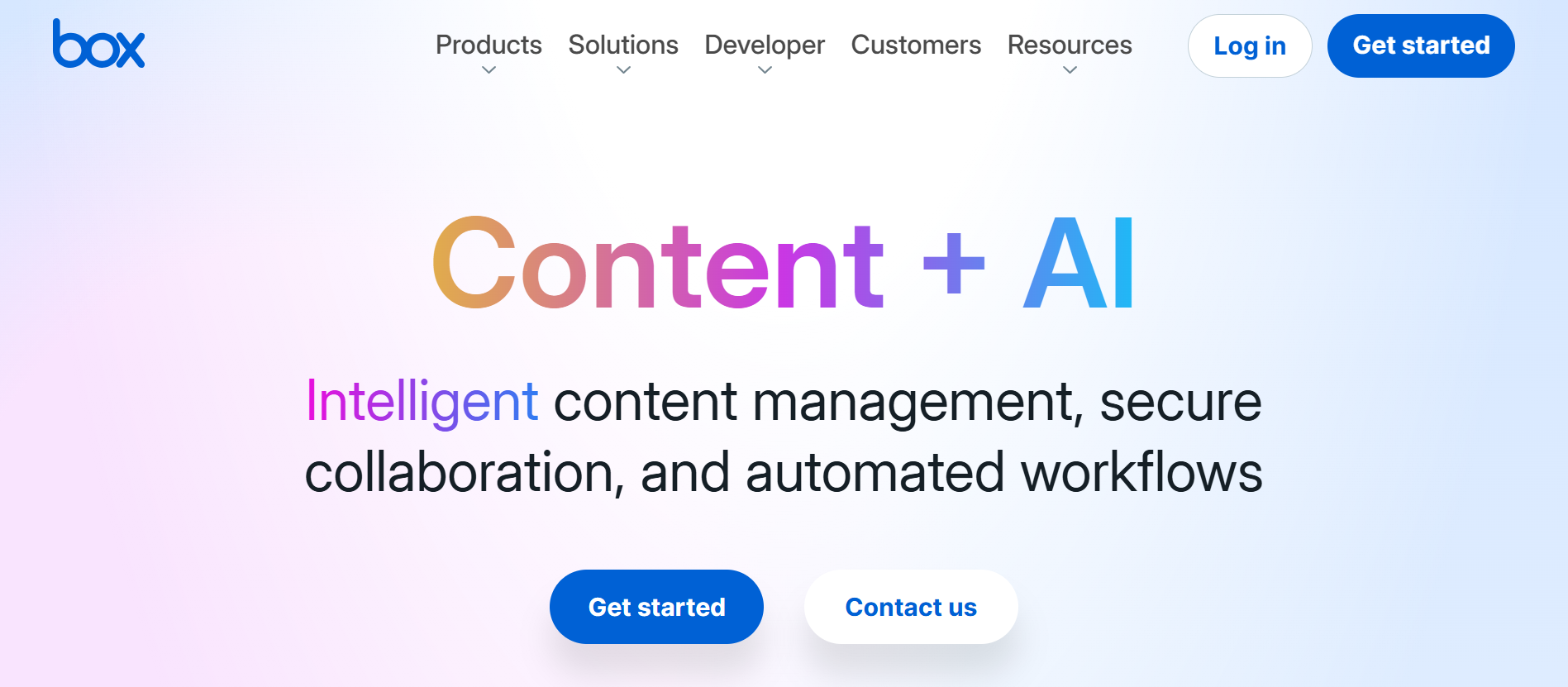
Quick Answer: Box is a cloud-native content management and collaboration platform built for the enterprise. While competitors often focus on personal file sharing, Box is engineered for complex business workflows, high-level security, and deep integration with the rest of your tech stack. The platform centralizes the entire "content lifecycle" from creation and co-editing to e-signatures and long-term retention. With the recent rollout of Box AI, users can now query their documents directly, generating summaries of 50-page contracts or extracting data from hundreds of invoices in seconds. For organizations that handle sensitive data or complex workflows, Box is the clear leader. While it carries a premium price tag compared to consumer-grade storage, the value lies in its security, AI capabilities, and its ability to act as the single "source of truth" for a company's most important documents.
In the modern enterprise, "unstructured data", the contracts, presentations, videos, and spec sheets that power your business account for roughly 80% to 90% of all data. For most organizations, this data is a liability: hard to find, difficult to secure, and impossible to analyze at scale.
Box has evolved far beyond its origins as a simple cloud storage folder. Today, it positions itself as an "Intelligent Content Management" platform, promising to turn that mountain of unstructured data into a searchable, automated, and AI-powered asset. In this review, we'll look at whether Box is still the gold standard for secure collaboration in the age of AI.
Box is a cloud-native content management and collaboration platform built for the enterprise. While competitors often focus on personal file sharing, Box is engineered for complex business workflows, high-level security, and deep integration with the rest of your tech stack.
The platform centralizes the entire "content lifecycle" from creation and co-editing to e-signatures and long-term retention. With the recent rollout of Box AI, users can now query their documents directly, generating summaries of 50-page contracts or extracting data from hundreds of invoices in seconds.
Box was founded in 2005 by Aaron Levie (CEO) and Dylan Smith (CFO).
Starting the company from a college dorm room, Levie has become one of the most recognizable voices in enterprise software, known for his early realization that the "cloud" was the future of business. Under his leadership, Box has achieved a massive global footprint, serving 67% of the Fortune 500 and maintaining a reputation for "security-first" innovation.
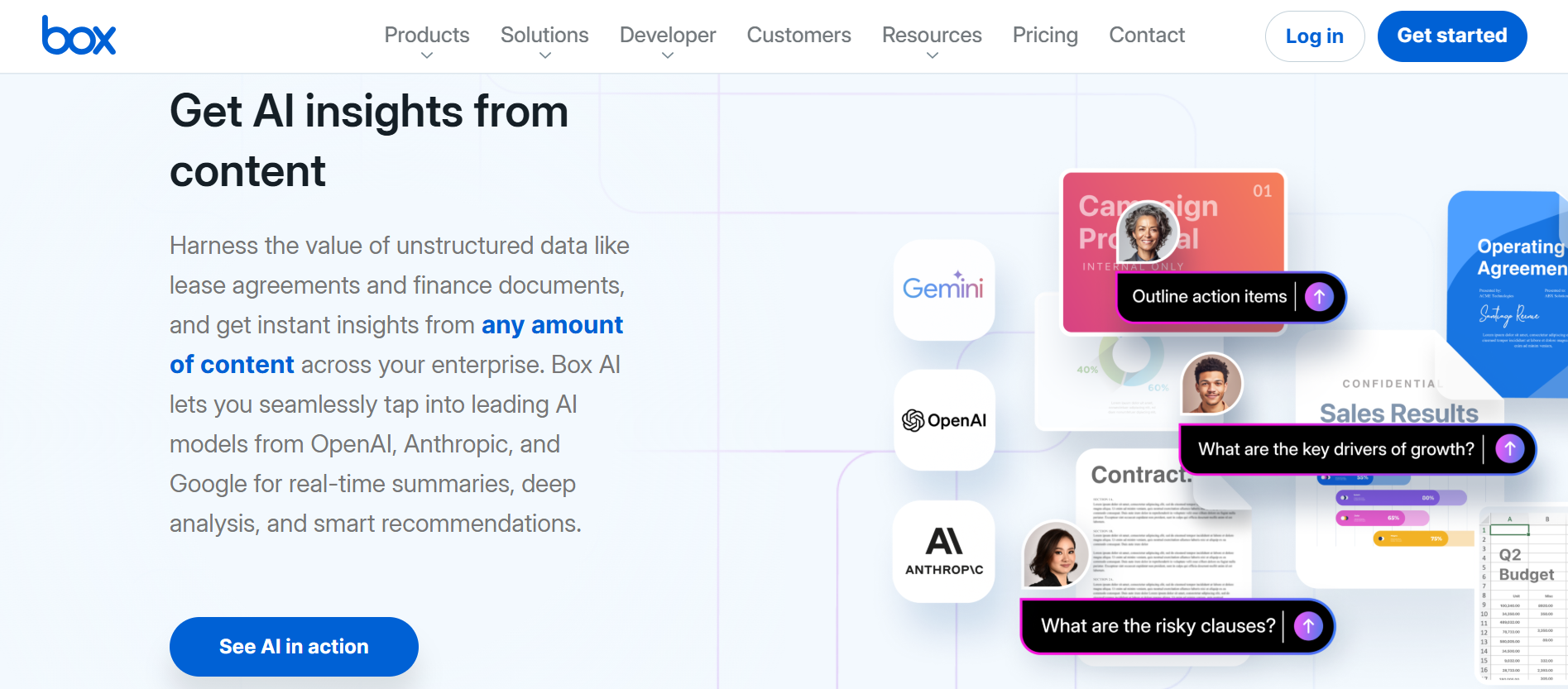
- Box AI & AI Agents: Allows users to interact with their content using leading models from OpenAI and Google. You can ask questions of your documents, summarize folders, and build no-code AI agents to automate data extraction.
- Box Shield & Compliance: Provides AI-powered threat detection, automated classification, and ransomware protection. It is designed to meet strict regulatory requirements like HIPAA, GDPR, and FINRA.
- Box Relay & Sign: An intuitive workflow engine that automates repetitive tasks (like document approvals) and includes native, unlimited e-signatures to close deals faster.
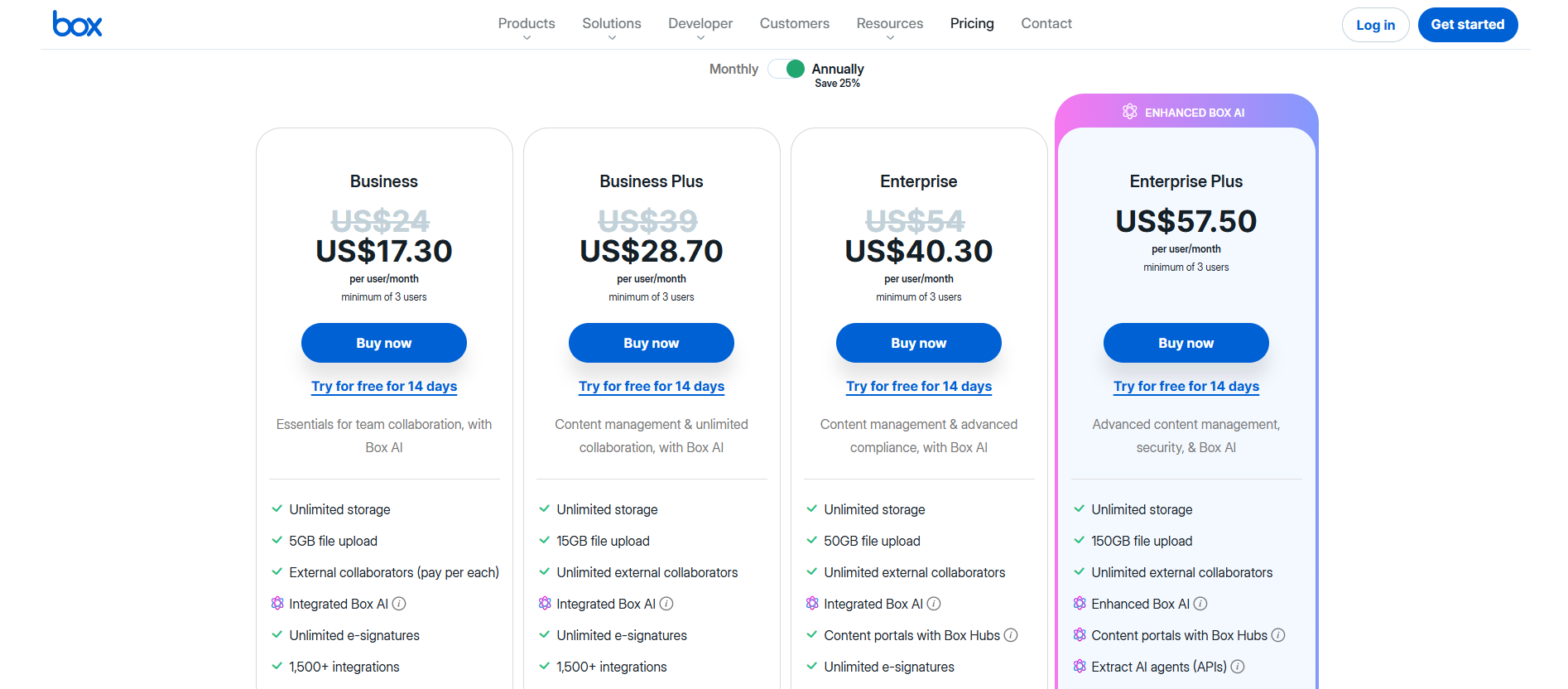
- Business Plan (~$17.30/user/month): Includes unlimited storage, 5GB file upload limits, and basic security reporting.
- Business Plus (~$28.70/user/month): Adds advanced search filters, more external collaborators, and 15GB file upload limits.
- Enterprise (~$40.30): The flagship offering that unlocks the full suite of Box AI, advanced Shield security, and high-performance APIs for custom builds.
- Enterprise Plus (~$57.50): Separate tiers for developers who want to use Box APIs to power content within their own custom-built applications.
- Microsoft OneDrive/SharePoint: The default choice for Office 365 shops, but often criticized for a more fragmented and complex user experience compared to Box.
- Google Drive: Excellent for real-time co-editing in Google Workspace, but historically lacks the granular "Shield" style security and retention policies required by large-scale legal or financial firms.
- Dropbox Business: A strong contender for creative teams and small businesses, though it lacks the deep enterprise workflow automation (Relay) and AI-native extraction capabilities found in the Box ecosystem.
For organizations that handle sensitive data or complex workflows, Box is the clear leader. While it carries a premium price tag compared to consumer-grade storage, the value lies in its security, AI capabilities, and its ability to act as the single "source of truth" for a company's most important documents.
Once you've moved your enterprise content into Box, you've secured your intellectual property. However, for SaaS founders and digital business owners, there is another "unstructured" threat that can kill your business faster than a data leak: Revenue Leakage from Chargebacks.
Just as Box protects your files from "malicious actors," you need a system to protect your Stripe account from "serial disputers," customers who use your service and then file a chargeback to get their money back. According to HubSpot, maintaining a healthy churn and dispute rate is critical for long-term SaaS valuation.
This is why successful founders are now adding 1Capture to their revenue stack.
1Capture is a Stripe-partnered solution designed to intercept disputes and block fraudulent transactions before they hit your bottom line.
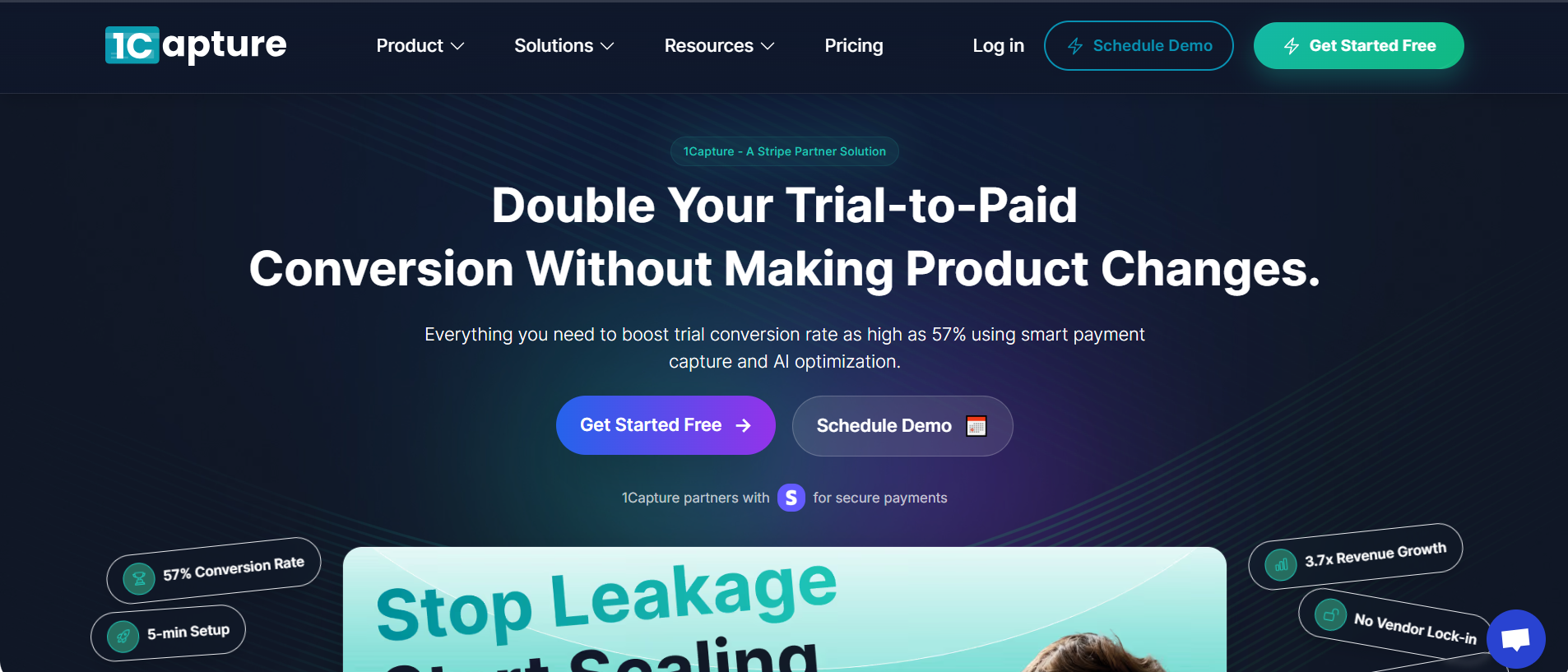
- Verified Stripe Partner: 1Capture integrates directly with your Stripe account in under 5 minutes with zero code required.
- Block Serial Disputers: Using a global database of known "bad actors," 1Capture identifies and blocks individuals who have a history of filing fraudulent chargebacks across other platforms.
- Smart Charge Technology: Our proprietary Smart Charge system uses pre-authorization checks to ensure a user is legitimate before a high-value transaction is finalized.
- 3.7x Revenue Growth: By reducing chargeback fees and recovering revenue from intercepted disputes, 1Capture users typically see a significant boost in their net profit margins.
Scaling your views is only half the battle; protecting your revenue with 1Capture is the move that ensures you stay in business for the long haul. Learn more about safeguarding your Stripe account on the 1Capture Blog.
Integrate 1Capture with your Stripe account in 5 minutes →